If you search “online jobs” on Google, the first result is almost always “Data Entry.” It sounds perfect for a student. It requires no degree, no coding skills, and you can supposedly do it from your bedroom in Lagos or Bangalore while preparing for your IELTS.
Here is the cold, hard truth: 90% of “Data Entry” jobs posted on social media and general job boards are scams.
Real data entry exists, but it is not a path to wealth. It is a grind. It involves repetitive, eye-straining work for relatively low pay. If you see an ad promising “$30 per hour for simple typing,” you are looking at a scam designed to steal your registration fee or personal identity.
However, legitimate data entry is a viable way to build your initial “Proof of Funds” for a visa or pay for application fees. It is the digital equivalent of factory work: honest, necessary, but tiring.
In this guide, you will learn how to distinguish between a legitimate contract and a fraud, what tools you actually need (hint: it’s not just a smartphone), and how to land your first real client.
Step 1: Distinguish “Real” Work from “Scam” Bait
Before you apply, you must understand the economics of the job. Companies hire data entry clerks because they have messy data (handwritten forms, scanned PDFs, business cards) that computers cannot read perfectly yet. They need a human to type it into a clean spreadsheet.
The Scam Indicators (Run away if you see these):
- Registration Fees: They ask you to pay $20 to “buy the software” or “register your ID.” Real jobs pay you; you never pay them.
- Telegram/WhatsApp Interviews: Legitimate companies conduct interviews via Zoom, Teams, or the freelancing platform’s chat. They never ask you to message “Manager John” on Telegram immediately.
- Unrealistic Pay: The global market rate for entry-level data entry is $3 to $8 per hour. If someone offers $25/hour for typing, they are lying.
The Signs of a Real Job:
- Specific Requirements: They ask for “Excel proficiency,” “98% accuracy,” or “CRM experience.”
- A Test: They ask you to do a 5-minute unpaid sample to prove you can actually type without errors.
- Platform Protection: They hire through Upwork, Freelancer, or a corporate portal, not a Gmail address.
Pro Tip: Google the company name + the word “scam.” If the company is “Global Data Tech Solutions” and they have no LinkedIn page and no website, they do not exist.
Step 2: The Technical Toolkit (Beyond “Fast Typing”)
You cannot do professional data entry on a smartphone. It is physically impossible to format a spreadsheet correctly or toggle between three windows on a 6-inch screen. You need a setup.
Hardware Requirements:
- Laptop/Desktop: Even an old one works, as long as it handles a browser.
- Second Monitor (Optional but recommended): This doubles your speed. You have the source document on one screen and your Excel sheet on the other.
- Reliable Internet: You don’t need fiber optic speeds, but you need stability to save cloud documents.
Software Skills:
- Microsoft Excel / Google Sheets: You must know how to use:
- Data Validation (to prevent typos).
- Filters and Sorting.
- VLOOKUP (Basic level).
- OCR Software: Tools like Adobe Acrobat Pro or free online converters that turn PDF images into text (you then edit the text, which is faster than typing from scratch).
- Touch Typing: You need a speed of at least 50-60 Words Per Minute (WPM). If you hunt and peck with two fingers, you will not be fast enough to make the hourly pay worth it.
Pro Tip: Go to
typing.comorkeyhero.comand take a free certification test. Take a screenshot of your 60+ WPM result. Attach this screenshot to your proposals. It is instant proof of competence.
Step 3: Where to Find Legitimate Gigs
Stop looking on Facebook groups. Real clients go to platforms that handle the payments and time-tracking for them.
1. Upwork & Freelancer.com
- Pros: The safest options. The client puts money in “Escrow” before you start.
- Cons: Highly competitive. You are competing with people from the Philippines and Kenya who have thousands of reviews.
2. Specialized “Micro-Task” Sites
- Amazon Mechanical Turk (MTurk): Very small tasks (pennies per task). Hard to get approved from Nigeria/India sometimes, but legitimate.
- Clickworker: often hires for AI training data (e.g., “record yourself saying these sentences” or “type the text in this image”).
- Appen / Telus International: These are large companies that hire “Search Engine Evaluators” and data entry clerks for long-term projects.
3. LinkedIn (Corporate Direct Hires)
- Search for “Data Entry Clerk” or “Data Entry Operator.” Filter by “Remote.”
- Warning: Even LinkedIn has scams now. Apply only through the “Easy Apply” button or the company’s official website.
Pro Tip: When filtering jobs on Upwork, check the box that says “Payment Verified.” This hides clients who haven’t even linked a credit card to their account yet, saving you from wasting “Connects” (credits).
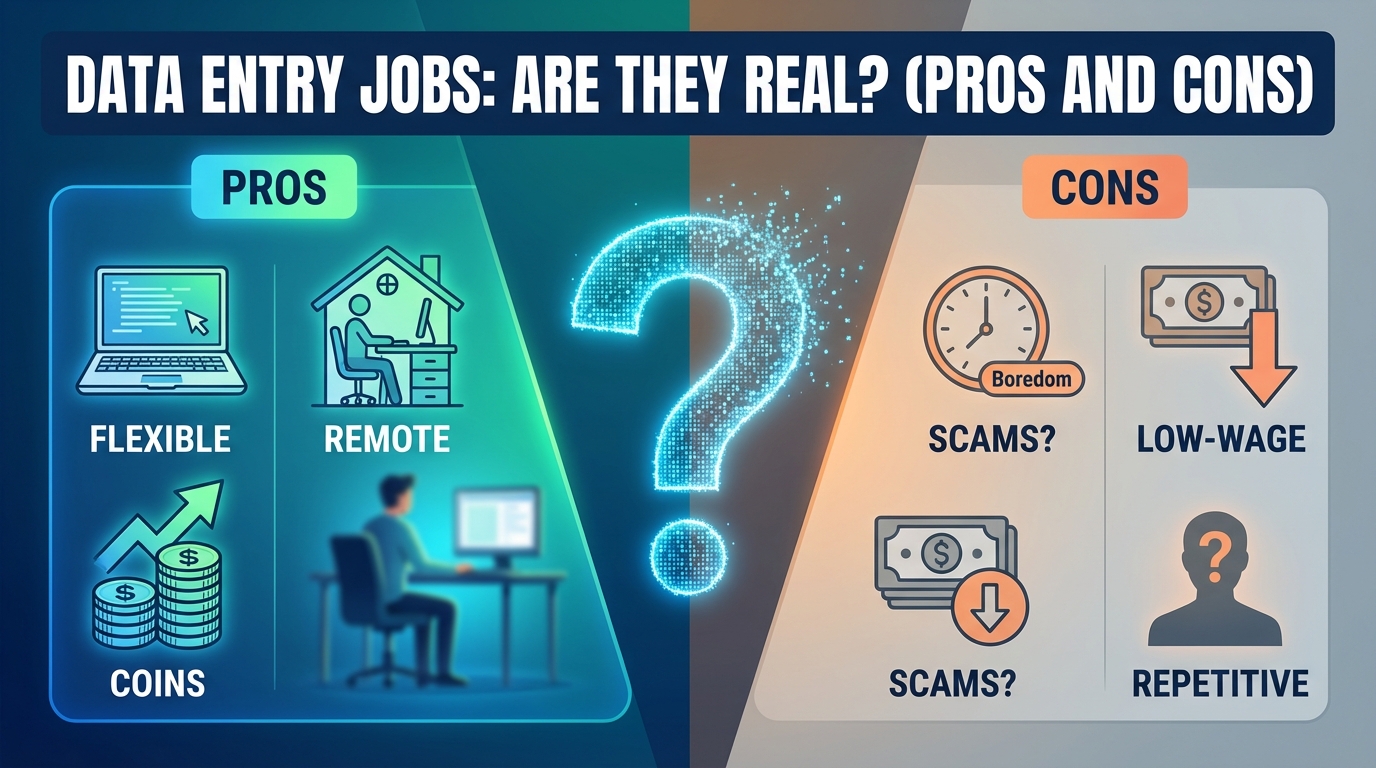
Step 4: The Economics (Pros and Cons)
Is it worth your time? Let’s break it down purely by the numbers.
The Pros:
- Low Barrier to Entry: You can start today if you have a laptop.
- Flexibility: You can usually work at 2 AM or 2 PM. It doesn’t matter as long as the work gets done.
- Low Mental Load: You can listen to podcasts or audiobooks while you work.
The Cons:
- The “Race to the Bottom”: There is always someone willing to do it cheaper.
- Repetitive Strain: Carpal Tunnel Syndrome is a real risk. Your wrists and back will hurt.
- Automation Risk: AI tools are getting better at reading handwriting. The demand for pure manual typing is shrinking every year.
Pro Tip: Do not treat Data Entry as a career. Treat it as a cash-flow bridge. Use the money you earn to buy a course in Data Analytics or Virtual Assistance, which pays double.
Sample/Template Section: The Proposal Script
When you apply on Upwork, clients do not want to read a biography. They want to know: Are you fast? Are you accurate? Do you understand the instructions?
Use this template for your cover letters.
Plaintext
[Subject: Data Entry Specialist - 65 WPM - Ready to Start]

Hi [Client Name],

I read your job post regarding the need to transfer data from [Source, e.g., PDF Invoices] to [Destination, e.g., Google Sheets].

I am a university student with a dedicated home office setup, meaning I can ensure 100% focus and accuracy on your project.

WHY I AM A GOOD FIT:
- Speed: I type at 65 WPM with 99% accuracy (See attached typing certificate).
- Software: I am proficient in Google Sheets (including Data Validation and basic formulas to ensure clean data entry).
- Availability: I can dedicate 20 hours/week to this project and can start immediately.

I understand you need this done by [Day of week]. I am confident I can meet that deadline.

Would you be open to a 5-minute sample task so I can prove my accuracy before you hire me?

Best regards,

[Your Name]
[Link to LinkedIn Profile or Portfolio]
Common Mistakes to Avoid
- Accepting “Off-Platform” Payment: A client says: “I will pay you via direct bank transfer or crypto to save fees. Let’s talk on Telegram.”
- The Result: You do the work. They block you. You get $0.
- The Rule: Always keep the money inside Upwork/Freelancer until you have built a long-term relationship.
- Not Checking the Source Files: You accept a job to “Type 50 pages of handwritten notes” for $20. Then you open the files, and the handwriting is illegible (unreadable).
- The Result: You spend 10 hours struggling to read a single page. Your hourly rate drops to $0.20.
- The Rule: Always ask to see one page of the source material before you agree to the price.
- Submitting Without Reviewing: You finish the spreadsheet and hit send immediately.
- The Result: There are typos. The client rejects the work or gives you a 1-star review. A 1-star review on your first job effectively kills your profile forever.
- The Rule: Sleep on it. Review the data with fresh eyes the next morning before submitting.
FAQ
Q: Is AI going to replace Data Entry jobs entirely? A: Eventually, yes, but not immediately. AI (OCR technology) can read typed text well, but it still struggles with messy handwriting, complex formatting, or verifying logical inconsistencies. The job is shifting from “Entry” to “Verification”—where the AI does the first draft, and you check it for errors.
Q: How much can I realistically earn per month? A: If you work part-time (20 hours/week) at a beginner rate ($4-$5/hour), you can expect $300 – $400 per month. This is not a fortune in the US, but in Nigeria or India, this is a significant amount that can cover living expenses or visa fees.
Q: Can I do this job if my English is not perfect? A: Yes, if the data is numerical. If you are entering numbers, codes, or names, your English grammar matters less. However, you must be able to understand the client’s instructions perfectly. If you misunderstand the instructions and format the data wrong, you will not get paid.