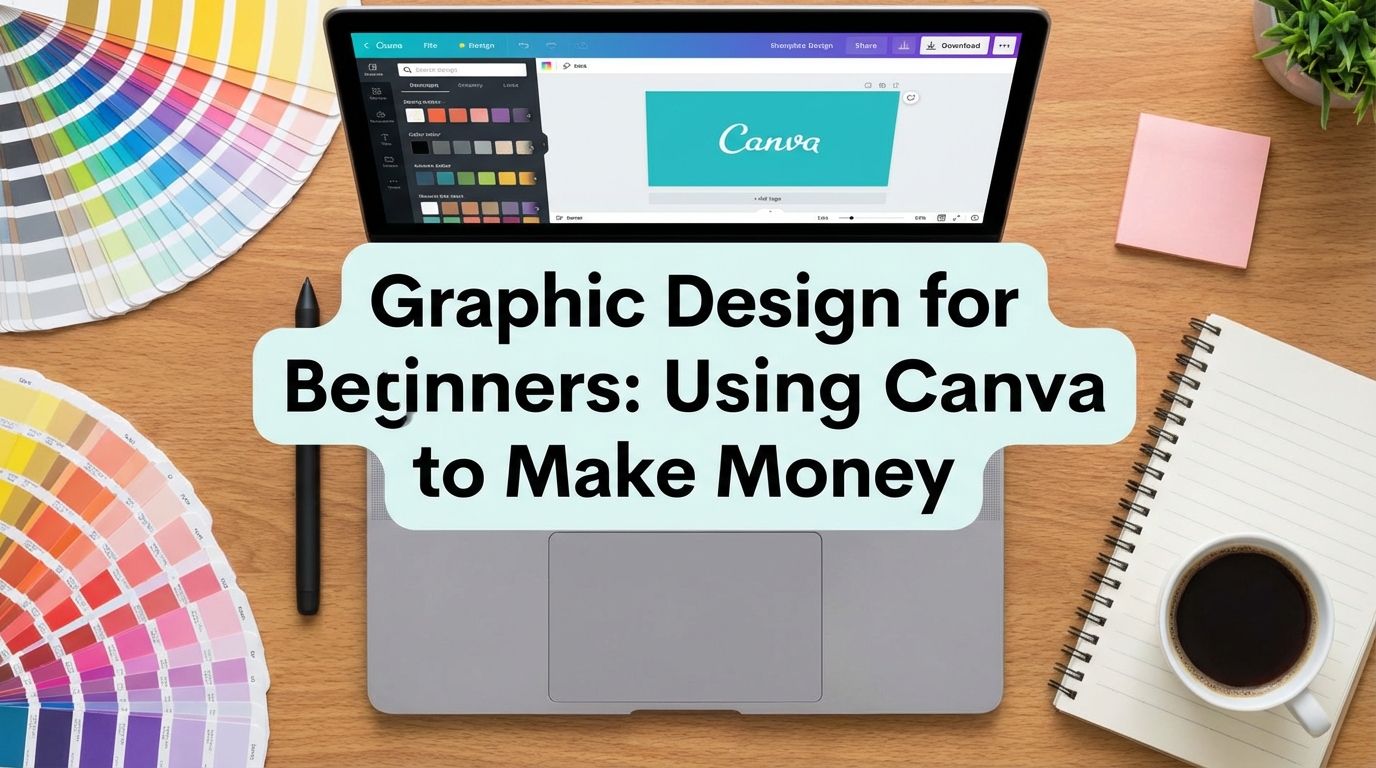
The internet is flooded with people claiming you can “make $100 a day with Canva” instantly. This is misleading. While Canva has democratized design, it has also saturated the market. Everyone with a smartphone can now move elements around a screen.
However, making money is not about using the tool; it is about solving a problem. A business owner in London or Lagos doesn’t pay you because you know how to drag a text box. They pay you because their current social media looks messy, their engagement is low, and they don’t have the time to fix it.
If you are a student looking to fund your education or visa applications, graphic design is one of the most accessible high-income skills you can learn. You do not need a $2,000 MacBook or an Adobe Creative Cloud subscription to start. You need an eye for detail, a free Canva account, and the discipline to treat this as a business, not a hobby.
In this guide, you will learn how to transition from “playing with templates” to offering professional design services that clients are actually willing to pay for.
Step 1: Master the “Invisible” Fundamentals
Before you sell a single design, you must understand why some designs look “expensive” and others look “cheap.” It is rarely about the software. It is about the principles.
The 3 Pillars of Professional Design:
- Hierarchy: The most important element (like the headline) must be the biggest or boldest. The viewer’s eye should know exactly where to look first, second, and third.
- Contrast: White text on a light yellow background is unreadable. You must ensure high contrast for accessibility and impact.
- White Space: Do not fill every corner of the canvas. Empty space (negative space) makes the design breathe and look premium.
Your Learning Checklist:
- Spend 1 week watching YouTube tutorials on “Typography pairing” and “Color theory.”
- Analyze big brands (Nike, Apple, Spotify). Notice how simple their ads are.
- Learn the difference between RGB (for screens) and CMYK (for printing).
Pro Tip: Never use more than 2 fonts in a single design. Use one bold font for headers (e.g., “League Spartan”) and one clean font for body text (e.g., “Open Sans”). Mixing 3 or 4 fonts is the hallmark of an amateur.
Step 2: Choose Your “Micro-Niche”
Generalists starve; specialists thrive. If you market yourself as a “Graphic Designer,” you are competing with millions of people. If you market yourself as a “YouTube Thumbnail Specialist for Tech Channels,” you have a specific target audience.
Profitable Niches for Students:
- YouTube Thumbnails: High demand. Creators need a new one every week.
- Skills: Photo manipulation, bold typography, facial expression enhancement.
- Instagram Carousels: Educational slides for coaches and businesses.
- Skills: Seamless transitions, data visualization, consistent branding.
- Pinterest Pins: Bloggers need these to drive traffic.
- Skills: Vertical layouts, headline optimization.
- E-books/Lead Magnets: PDF design for course creators.
- Skills: Layout design, page numbering, readability.
Pro Tip: Start with YouTube Thumbnails. The feedback loop is fast. If a YouTuber sees their Click-Through Rate (CTR) go up because of your design, they will hire you on a permanent retainer immediately.
Step 3: Build a “Mock” Portfolio
You cannot get clients without a portfolio, but you cannot get a portfolio without clients. The solution? The Mock Portfolio.
You do not need permission to redesign a brand’s assets for practice.
How to Build It:
- Find a “Bad” Example: Go to Instagram or LinkedIn. Find a local business (e.g., a gym or a bakery) with terrible graphics.
- The Redesign: Re-create 3 of their posts using Canva. Apply better fonts, colors, and alignment.
- The Case Study: Do not just show the image. Explain why you changed it. “I changed the font to make it readable on mobile screens.”
- Host It: Use a free Google Drive folder, a Notion page, or a free Behance account to host your images.
Pro Tip: When naming your portfolio files, use SEO-friendly names like
Gym-Instagram-Post-Design.jpginstead ofIMG_2934.jpg. This shows professionalism when you send the link to a client.
Step 4: Client Acquisition (The “Value First” Method)
Sending generic messages like “Hello, I can design for you” will get you ignored. You need a strategy that proves your value upfront.
The Strategy:
- Identify 10 creators or small businesses in your niche.
- Create one free asset for them (e.g., one thumbnail or one Instagram story) based on your observation of their current content.
- Send it to them with a specific, low-pressure message.
Requirements for Outreach:
- A professional email address (e.g.,
firstname.design@gmail.com, notcoolboy99@yahoo.com). - A link to your portfolio.
- The free sample attached as a watermarked preview (low resolution) or a protected link.
Pro Tip: If you are targeting international clients (US/UK/Canada), remember the time zone difference. Schedule your emails to land in their inbox at 9:00 AM their time, not 3:00 AM when they are sleeping.
Sample/Template: The “Cold Pitch” Script
This is a template for pitching a YouTuber or Instagram Business. It uses the “Value First” psychology.
Subject Line Options:
- Option A: I made a thumbnail for your latest video (Free)
- Option B: Quick design suggestion for [Brand Name]
The Email Body:
Plaintext
Hi [Name of Creator/Business Owner],

I’ve been following [Channel/Brand Name] for a while—I really loved your recent post about [mention specific detail to prove you watched/read it].

I noticed that your current thumbnails/posts are good, but I believe a few small tweaks to the typography could increase your click-through rate significantly.

I took the liberty of designing a sample version for your latest video just to show you what I mean.

You can view the sample here: [Link to Google Drive/Image]

**Why I made this changes:**
1. I increased the contrast on the text so it’s readable on mobile.
2. I brightened the background to make the subject pop.

I am a university student building my portfolio, and I’d love to help you create 4 of these per month to save you time.

Are you open to a quick chat about this? If not, no worries—please feel free to use the sample I sent!

Best regards,

[Your Name]
[Link to Your Portfolio]
[Your WhatsApp/LinkedIn]
Common Mistakes to Avoid
- Using Watermarked/Copyrighted Images: Never search Google Images and drag a photo into Canva. If a client gets sued for copyright infringement because you used a protected image, your career is over.
- Correction: Use Canva’s built-in photo library (filter by “Free” if you don’t have Pro) or legitimate free stock sites like Unsplash or Pexels.
- Ignoring “Bleed” and “Safe Zones”: If you design a flyer for print, you must leave a margin (bleed) around the edges so the printer doesn’t cut off the text. If you design for Instagram Stories, you must not put text at the very top or bottom where the UI icons (profile name, reply box) sit.
- Correction: In Canva, go to File > View Settings > Show Margins/Print Bleed. Keep all important text inside the inner box.
- Over-Designing (The “Kitchen Sink” Syndrome): Beginners often think “more is better.” They add shadows, outlines, gradients, and stickers all at once. This looks amateurish and messy.
- Correction: When you think you are done, remove one element. Simplicity sells.
FAQ
Q: Is Canva Pro worth the money for a beginner? A: When you are just starting and have $0 income, the Free version is sufficient. You can do 80% of the work with the free tools. However, once you get your first paying client, upgrade to Pro immediately. Features like “Background Remover,” “Magic Resize,” and the premium font library will save you hours of work, which justifies the monthly cost (approx. $10-$15).
Q: Can I use Canva templates for client work? A: You can use them as a base, but you cannot just sell a standard Canva template unchanged as your own original work to a client who expects a custom design. Additionally, you cannot sell Canva’s templates on stock websites. You must significantly alter the design or build from scratch to claim it as your service.
Q: How do I charge? Hourly or per project? A: As a beginner/student, Project-Based Pricing is safer and less stressful.
- Hourly: You get penalized for being fast.
- Project: “I will design 5 Instagram posts for $50.” This is clear for the client and allows you to work at your own pace. As you get faster, your effective hourly rate increases.