Sending a message to a stranger on the internet feels awkward. For students from cultures where respecting hierarchy is paramount (like Nigeria or India), the idea of messaging a Senior Manager at Deloitte and asking for 15 minutes of their time feels almost disrespectful. You might fear rejection, or worse, being ignored.
Here is the hard truth: You will be ignored.
If you send 10 messages, you might get 2 replies. This is not a failure; it is a standard conversion rate. However, in the UK, USA, and Canada, the “Hidden Job Market” is real. Up to 70% of jobs are filled through referrals and networking, not through applying on websites.
Alumni—people who graduated from your specific university—are your strongest asset. They have walked the path you are walking. They know the struggle of visa applications and winter depression. They are the most likely people to help you, but only if you approach them correctly.
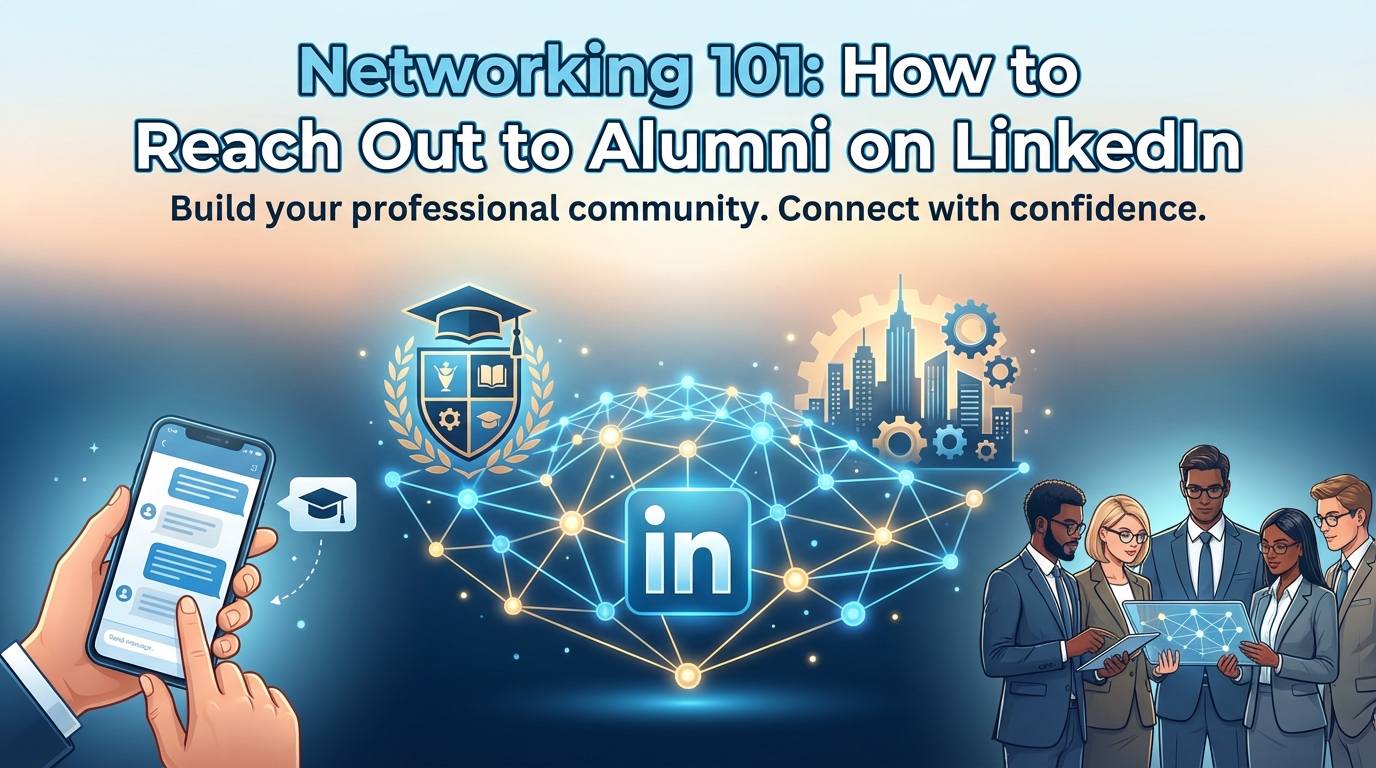
In this guide, you will learn the precise mechanics of finding, connecting with, and leveraging alumni on LinkedIn without acting like a desperate student begging for a job.
Step 1: Audit Your “Digital Storefront” First
Before you send a single message, look at your own profile. If an alum receives your request and clicks on your face, what do they see? If they see a blank banner, no photo, or a headline that just says “Student,” they will ignore you.
The “Trust” Checklist:
- The Headshot: It must be professional. No selfies, no cropping your arm around a friend, and no blurry graduation photos. Wear a shirt or a blazer. Look at the camera.
- The Headline: Stop using “Student at University of X.” Use a value-based headline.
- Example: “MSc Data Science Candidate | Python & SQL Enthusiast | Aspiring Data Analyst.”
- The “About” Section: Do not write a biography. Write a pitch. Explain what you are studying, what skills you have, and what industry you want to enter.
Pro Tip: Customize your LinkedIn URL. Instead of
linkedin.com/in/john-doe-29384829, change it tolinkedin.com/in/john-doe-data. It looks much cleaner on a CV and shows you are digitally literate.
Step 2: Use the “Alumni Tool” (The Secret Search Engine)
You do not need to search randomly. LinkedIn has a dedicated database for this.
How to find it:
- Go to the search bar and type your university’s name (e.g., “Coventry University” or “University of Lagos”).
- Click on the official University page.
- Click on the “Alumni” tab in the menu.
How to filter: This tool allows you to filter thousands of graduates by:
- Where they live: (e.g., “United Kingdom” or “Canada”).
- Where they work: (e.g., “NHS,” “Amazon,” “Tesla”).
- What they do: (e.g., “Engineering,” “Finance”).
The Strategy: Filter for people who studied your course and are now working in your target country.
- Example: Search for “University of Ibadan” graduates -> Living in “United Kingdom” -> Working in “Public Health.”
- Why: These people have successfully made the transition from Nigeria to the UK. They are your “Warm Leads.”
Pro Tip: Look for the “Activity” section on their profile. If they haven’t posted or liked anything in the last 90 days, do not message them. They are inactive. Focus your energy on users who are active on the platform.
Step 3: The Connection Request (The 300-Character Rule)
Never, under any circumstances, click “Connect” without adding a note. If you send a blank request, you look like a bot or a spammer.
You have a 300-character limit for the connection note. You must be concise.
The Formula:
- The Hook: Mention the shared connection (University/Country).
- The Flattery: Mention something specific about their career.
- The Ask: Just ask to connect (do not ask for a job yet).
Pro Tip: If you are using the LinkedIn Mobile App, the “Add a Note” button is sometimes hidden under the “More” (…) menu. Make sure you find it.
Step 4: The “Informational Interview” (The Real Goal)
Once they accept your request, do not immediately send a CV. This is “asking for marriage on the first date.” It scares people away.
Your goal is an Informational Interview. This is a 15-minute chat where you ask them advice about their career path. People love talking about themselves.
The “Ask” Message:
- Acknowledge they are busy.
- Ask for specific insight, not a job.
- Suggest a specific timeframe (15 minutes).
Questions to ask during the chat:
- “What technical skills do you use most in your daily role?”
- “How did you navigate the job search in the UK as an international graduate?”
- “Is there anyone else you recommend I speak to?”
Pro Tip: Respect time zones. If you are in Lagos and they are in Los Angeles, offer times that work for them (e.g., your evening, their morning).
Sample/Template Section
Here are scripts you can copy, paste, and adapt.
Template 1: The Connection Request (300 Characters)
Use this when clicking “Connect”.
Plaintext
Hi [Name], I’m a fellow [University Name] student. I saw you pivoted from [Subject] to a role at [Company], which is exactly the path I hope to take. I’d love to connect and follow your journey in the UK tech space. Thanks, [Your Name].
Template 2: The “Fellow Countryman” Approach
Use this for alumni from your home country (e.g., Nigeria/India) now working abroad.
Plaintext
Hi [Name], I noticed we are both [University Back Home] alumni and now based in [Current City/Country]. It’s inspiring to see a fellow Nigerian thriving at [Company]. I am currently studying [Course] and would love to connect with professionals in the field. Best, [Your Name].
Template 3: The Follow-Up (After Acceptance)
Send this 24 hours after they accept your connection request.
Plaintext
Thanks for connecting, [Name]!

I reviewed your background and was particularly impressed by how you moved from [Role A] to [Role B].

I am currently finishing my Master's in [Subject] and trying to understand the landscape for [Industry] in the UK.

I know you are incredibly busy, but would you be open to a brief 15-minute virtual coffee chat next week? I’m not looking for a job referral—just some honest advice on how to navigate the market as an international graduate.

I can be available Tuesday or Thursday afternoon if that suits you.

Best regards,

[Your Name]
Common Mistakes to Avoid
- The “Desperation” Ask:
- Message: “Hi Sir/Ma, please I need a job. I am very hardworking. Here is my CV.”
- Why it fails: This puts a burden on the stranger. They don’t know you, and they likely don’t have hiring power. It makes you look unprofessional. You must build a relationship before a transaction.
- Being Vague (“Pick Your Brain”):
- Message: “Can I pick your brain about the industry?”
- Why it fails: “Pick your brain” sounds painful and time-consuming. It suggests you want free consulting without a clear agenda.
- Correction: “I have two specific questions about the certification requirements for Project Managers.”
- Ghosting After the Chat:
- Mistake: You have a great call, get advice, and then never speak to them again.
- Why it fails: Networking is long-term.
- Correction: Send a “Thank You” note immediately after the call. Then, update them 1 month later: “Hi [Name], just wanted to let you know I took your advice and completed that SQL course. Thanks again!” This keeps the door open.
FAQ
Q: Should I pay for LinkedIn Premium? A: As a student, no. The free version allows you to search for alumni and send connection requests. Premium allows you to send “InMail” (messages to people you aren’t connected with), but you should focus on connecting first. Save your money for skill courses or application fees.
Q: What if they look at my profile but don’t accept the request? A: Move on. Do not send a second request. Do not take it personally. They might be busy, inactive, or simply private. There are thousands of other alumni. Focus on the next one.
Q: Can I message Recruiters directly? A: Yes, but be careful. Recruiters are overwhelmed with messages. Do not say “Do you have jobs?” Instead, say: “I saw you are recruiting for [Specific Role ID #123]. I have applied online, but wanted to introduce myself personally as I have the [Specific Skill] you listed as essential.”