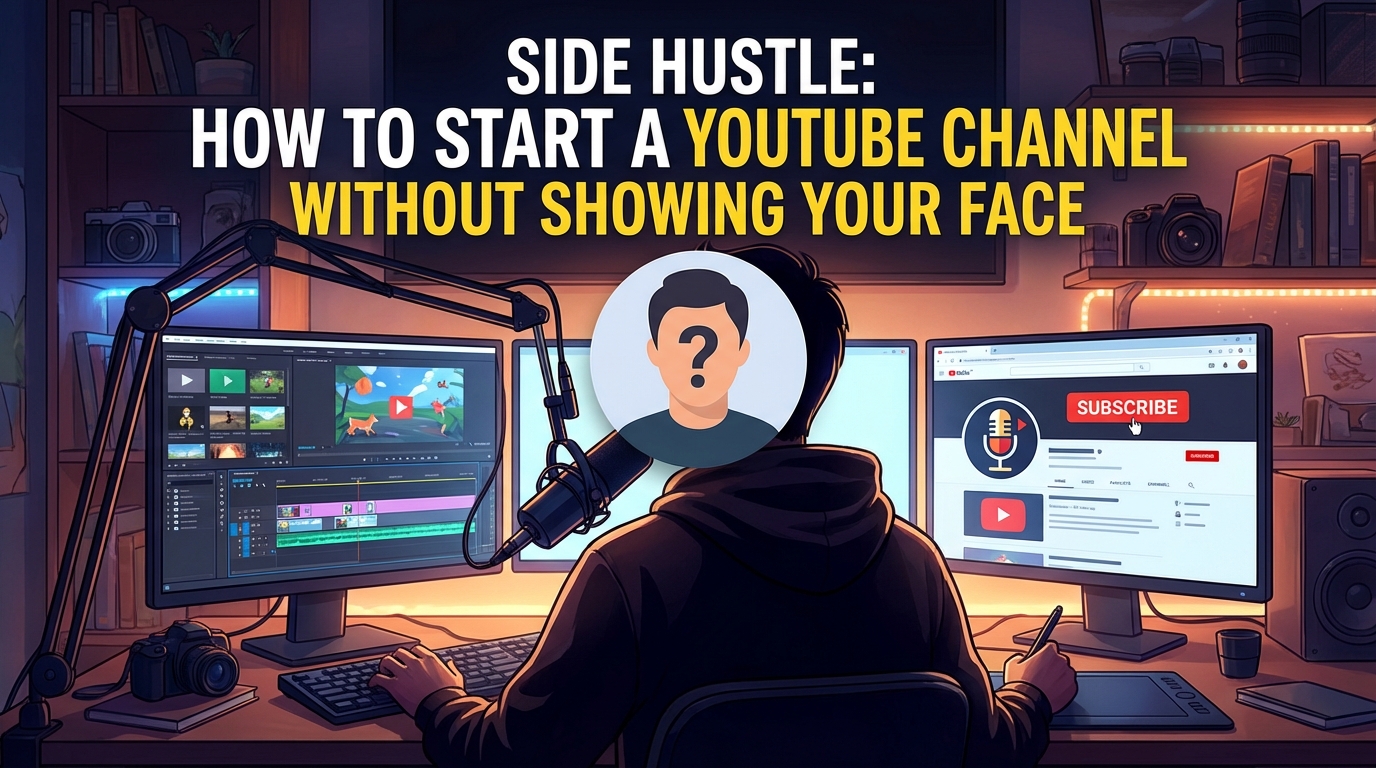
The term “Passive Income” is a lie when applied to YouTube. There is nothing passive about writing a 2,000-word script, sourcing 50 stock clips, editing them to music, and designing a thumbnail—all while studying for exams.
For students in Nigeria, India, or the Philippines, a “Faceless” YouTube channel (often called a “Cash Cow” channel) is one of the few side hustles that pays in foreign currency (USD/GBP) without requiring you to show your face or buy a $1,000 camera.
However, the competition is fierce. You are not just competing with other students; you are competing with Netflix, TikTok, and massive media houses. Success does not come from “uploading and praying.” It comes from understanding Viewer Psychology and Retention Editing.
In this guide, you will learn how to build a digital asset that generates income to fund your study abroad dreams, using only a laptop (or even a smartphone) and free software.
Step 1: Choose a “High CPM” Niche
Not all views are equal. YouTube pays you based on CPM (Cost Per Mille), which is how much advertisers pay for 1,000 views.
If you make comedy skits, your CPM might be $1. If you make videos about “Personal Finance” or “Tech Reviews,” your CPM can be $10 to $20. As a student looking to save money, you need to work smarter, not harder.
Recommended Faceless Niches:
- History & Documentaries: Use archival footage to tell stories about wars, ancient civilizations, or mysteries. (High retention).
- Tech & Tutorials: Screen recordings showing how to use software (e.g., “How to use Excel,” “Coding for beginners”).
- Psychology & Self-Improvement: Whiteboard animation or stock footage explaining concepts from books.
- Business & Luxury: Videos about “How billionaires think” or “Most expensive yachts.”
Pro Tip: Avoid the “Meditation/Rain Sounds” niche. It is incredibly saturated, and YouTube recently stopped monetizing many of these channels under the “Repetitive Content” policy. Stick to educational or storytelling content.
Step 2: The Script (The Backbone of Your Channel)
Since the audience cannot see your face, the script is the only thing keeping them watching. If your script is boring, they click away in 10 seconds.
The Process:
- Research: Read 3-4 articles on your topic.
- Synthesis: Combine the facts into a narrative. Do not copy-paste (that is plagiarism).
- The Hook: Your first sentence must be shocking or intriguing.
Tools:
- Google Docs: For writing.
- ChatGPT/Claude (Optional): You can use AI to outline your script, but do not let it write the whole thing. AI scripts often sound robotic and lack the emotional “peaks and valleys” that keep humans interested.
Pro Tip: Read your script out loud. If you stumble over a sentence, it is too long. Cut it. Write for the ear, not for the eye.
Step 3: Audio and Voiceover (Human vs. AI)
Bad audio kills a video faster than bad visuals. You have two options.
Option A: Your Own Voice (Best for Monetization)
- Equipment: You do not need a Blue Yeti mic. You can use your phone. Record inside a closet full of clothes (the clothes absorb the echo).
- Software: Use Adobe Podcast (Enhance Speech). It is a free tool that uses AI to make phone audio sound like a studio recording.
Option B: AI Voice (The “Risky” Route)
- Tools: ElevenLabs is the industry leader for realistic voices.
- The Risk: YouTube does monetize AI voices, but only if the content is high-quality. If you combine a robotic voice with lazy editing, YouTube may flag it as “Low Effort/Reused Content.” If you use AI, it must sound indistinguishable from a human.
Pro Tip: If using your own voice, stand up while recording. It opens your diaphragm and makes you sound more energetic and confident.
Step 4: Sourcing Visuals (Copyright Safety)
You cannot just take clips from a Marvel movie. You will get a Copyright Strike, and your channel will be deleted. You must use Stock Footage or Creative Commons material.
Where to find free footage:
- Pexels / Pixabay: Completely free, high-quality stock video.
- Library of Congress / National Archives: Great for history channels (public domain footage).
- Google Images (Filtered): Tools > Usage Rights > Creative Commons licenses.
The “Fair Use” Doctrine: You can use copyrighted clips (like movie scenes) IF you are providing commentary, criticism, or education. However, keep the clips short (under 5-7 seconds) and ensure your voiceover is constantly analyzing them.
Pro Tip: Never leave a static image on screen for more than 5 seconds. The modern viewer has a short attention span. Pan, zoom, or change the image constantly.
Step 5: Editing (Putting It All Together)
You do not need a $2,000 PC. You can edit 4K videos on a decent smartphone or a basic laptop.
Free Software:
- PC/Mac: DaVinci Resolve (Professional grade) or CapCut Desktop (Easier).
- Mobile: CapCut or InShot.
The Workflow:
- A-Roll: Lay down your voiceover track first.
- B-Roll: Drag and drop your images/videos to match what is being said.
- Text: Add captions for key words (this increases retention).
- Music: Use the YouTube Audio Library (in YouTube Studio). It is the only 100% safe place to get music without copyright issues.
Pro Tip: Match the “cut” to the beat of the music. If the music has a heavy drum hit, change the image at that exact moment. It makes the video feel “satisfying” to watch.
Sample/Template: The “High Retention” Script Structure
Copy this structure for your first video. It is designed to keep viewers watching past the 30-second mark.
Plaintext
[VIDEO TITLE: The Hidden History of the Benin Bronzes]

1. THE HOOK (0:00 - 0:30)
[Visual: Fast montage of the Bronzes, maps, and British soldiers]
Voiceover: "What if I told you that some of the world's most advanced
metalwork was created hundreds of years ago, not in Europe, but right here
in West Africa? But in 1897, it all disappeared in a single night of fire
and looting. Today, we are uncovering the true story of the Benin Bronzes."

2. THE CONTEXT (0:30 - 2:00)
[Visual: Slow pans of the artworks, maps of the Benin Empire]
Voiceover: "To understand the theft, we first have to understand the glory.
The Kingdom of Benin wasn't a village; it was a sophisticated empire..."

3. THE CONFLICT (2:00 - 5:00)
[Visual: Intense music, archival drawings of the expedition]
Voiceover: "Tensions rose when the British requested a trade treaty.
The Oba refused. What happened next changed history forever..."

4. THE CLIMAX/RESOLUTION (5:00 - 7:00)
[Visual: Images of museums today, news clips of repatriation]
Voiceover: "Today, these artifacts sit in London and Berlin. But the tide is turning..."

5. THE CTA (Call to Action) (Last 20 seconds)
[Visual: Simple 'Subscribe' animation]
Voiceover: "Should these artifacts be returned immediately? Let me know
your thoughts in the comments below. And if you enjoyed this history lesson,
hit subscribe for more African history deep dives."
Common Mistakes to Avoid
- Inconsistent Upload Schedule: YouTube is an algorithm. It likes predictability. If you upload three videos in one week and then disappear for a month, the algorithm will stop recommending your content.
- Correction: Commit to one video per week. Consistency beats intensity.
- Ignoring the Thumbnail: You can spend 20 hours editing a video, but if the thumbnail is boring, nobody will click. A bad thumbnail means 0 views.
- Correction: Design the thumbnail before you make the video. It should have high contrast, less than 4 words of text, and an emotional element (e.g., a shocked face, a red arrow, a “Before/After” split). Use Canva (Free).
- Using “Copyright Free” Music from Random Sites: Many sites claim their music is free, but 6 months later, the artist registers it with Content ID, and you get a copyright claim on all your old videos.
- Correction: Strictly use the YouTube Audio Library inside YouTube Studio. It is the only fail-safe option.
FAQ
Q: How do I get paid in Nigeria or India? A: YouTube pays through Google AdSense.
- Once you meet the monetization criteria (1,000 subscribers + 4,000 watch hours), you apply for the Partner Program.
- Google will mail a physical postcard with a PIN to your address to verify you live there.
- You link your local bank account (e.g., GTBank, Zenith, HDFC, SBI) to AdSense.
- You are paid in your local currency via wire transfer once you cross the $100 threshold.
Q: Can I use AI to write the script, read the voiceover, and edit the video? A: Technically, yes. Tools like “InVideo AI” can do this. However, the quality is usually terrible and generic. YouTube viewers are smart; they can smell “low effort” AI content and will click away. Use AI as an assistant (to outline or correct grammar), not as the creator.
Q: How long does it take to get monetized? A: It varies. On average, if you post 1 high-quality video per week, it takes 6 to 12 months to reach 1,000 subscribers and 4,000 watch hours. Do not expect to make money in your first month. This is a long-term investment.