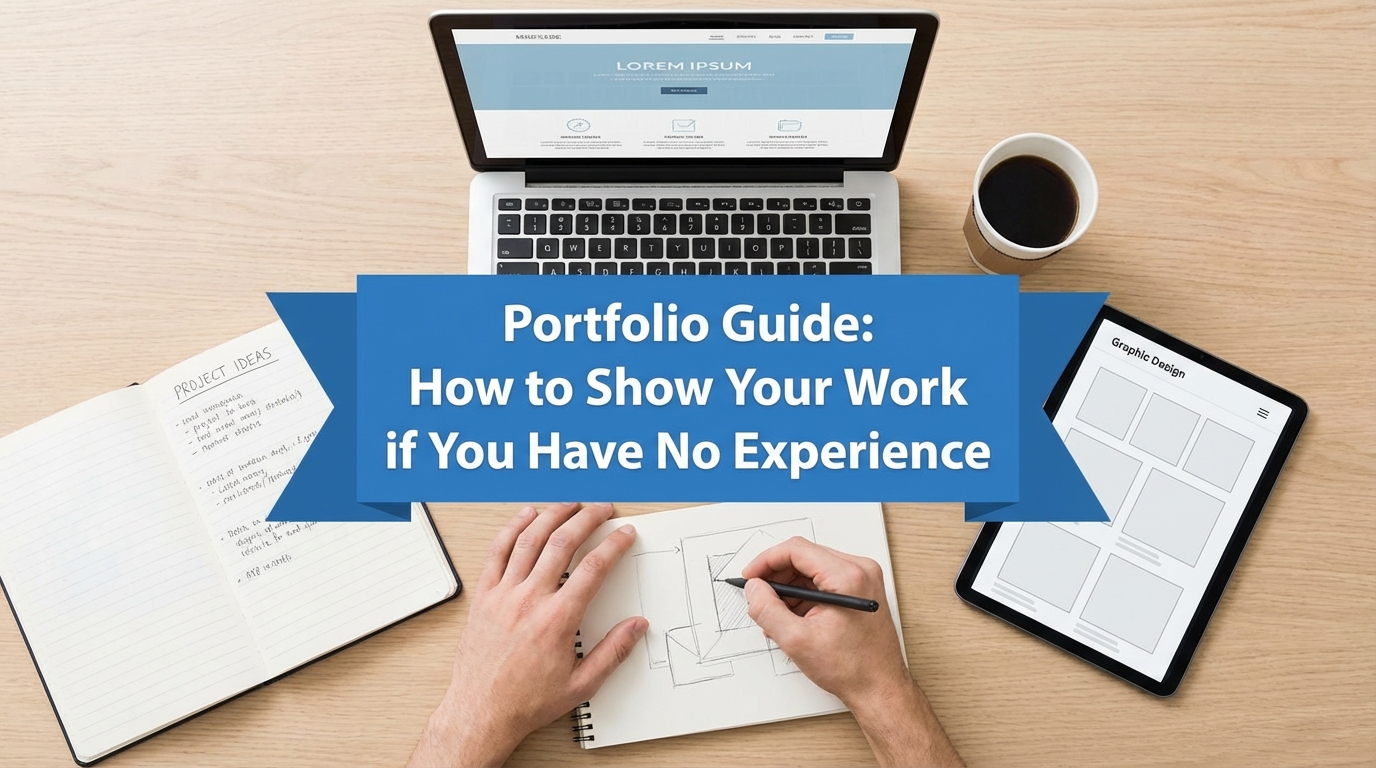
In the global job market, your degree gets you the interview, but your portfolio gets you the job. This is especially true for international students. A recruiter in London or New York doesn’t know the reputation of your local university in Lagos or Mumbai. They can’t blindly trust your grades. They need to see what you can do.
The biggest lie students believe is: “I can’t build a portfolio because I have no clients.”
This is false. A portfolio is not a list of paid clients; it is a gallery of your skills. Whether you did the work for a Fortune 500 company or for your neighbor’s cat sitting business, the code, the design, and the strategy are what matter.
In this guide, you will learn how to build a world-class portfolio from scratch using “Mock Projects,” how to structure them so they look professional, and where to host them for free.
Step 1: The “Mock Project” Strategy
If you don’t have a job, you must invent one. “Mock Projects” are hypothetical scenarios where you solve a real-world problem.
Ideas by Industry:
- For Data Analysts: Download a public dataset (e.g., “Customer Churn in Telecom”) from Kaggle. Clean the data, visualize it in Tableau or PowerBI, and write a report recommending how to stop customers from leaving.
- For Digital Marketers: Pick a local business (e.g., a popular bakery). Audit their Instagram. Create a 5-slide strategy showing how you would improve their hashtags, content pillars, and engagement.
- For Software Developers: Don’t just build a “To-Do List” app (everyone does that). Build a “Currency Converter” that uses a live API to fetch real-time exchange rates. It shows you know how to handle APIs and frontend design.
- For Writers: Rewrite the “About Us” page of a confusing website. Show the “Before” (original text) and the “After” (your improved version).
Pro Tip: Clearly label these as “Concept Projects” or “Personal Projects.” Do not lie and say you were hired by the brand if you weren’t. Honesty is non-negotiable.
Step 2: Documenting the “Process” (The Case Study)
Amateurs post a screenshot of the final result. Professionals post a Case Study.
Employers don’t just care about the pretty picture; they care about how you think. If you faced a bug in your code, how did you fix it? If you chose the color blue for a logo, why?
The Case Study Structure:
- The Problem: What were you trying to solve?
- The Approach: What tools did you use? (e.g., Python, Figma, Google Analytics).
- The Struggle: Mention one challenge you faced. (e.g., “The data was messy, so I used Excel Power Query to clean it”).
- The Solution: The final output (Link to the code, design, or article).
Pro Tip: Use the STAR Method (Situation, Task, Action, Result) in your descriptions. It keeps your writing tight and professional.
Step 3: Choosing Your Platform (Keep It Simple)
You do not need to code a website from scratch (unless you are a Web Developer). Use free, no-code platforms.
- For Developers: GitHub. Your “ReadMe” file is your portfolio. Make sure it is well-written with screenshots of the app working.
- For Designers/Creatives: Behance or Dribbble. These are industry standards.
- For Writers/Marketers: Medium, LinkedIn Articles, or Carrd.co (a free one-page website builder).
- For General Students: Canva Websites or Notion. You can create a clean, shareable link in minutes.
Requirements:
- A clean, professional headshot.
- Links to your LinkedIn and Resume.
- A clear “Contact Me” button.
Pro Tip: If you use GitHub, pin your best 3 repositories to the top of your profile. Recruiters will not scroll through your 50 half-finished homework assignments.
Step 4: The “Social Proof” Hack
Even if you haven’t been paid, you can get testimonials.
Did you help a classmate study? Did you organize an event for your church or mosque? Did you volunteer at a local charity?
Ask the person in charge for a 2-sentence recommendation on LinkedIn.
- Format: “John helped us organize our database. He is detail-oriented and reliable.”
- Screenshot these recommendations and put them in your portfolio under a “Testimonials” section. It proves you are easy to work with.
Sample/Template: The “Case Study” Description
Do not just paste a link. Use this template to describe your project. Copy this into your portfolio page.
Markdown
[PROJECT TITLE: Re-imagining the Uber App Interface for Accessibility]

1. OVERVIEW
"The goal of this concept project was to improve the Uber app experience for elderly users who struggle with small text and complex menus."

2. MY ROLE & TOOLS
- Role: UI/UX Designer & Researcher
- Tools: Figma, Adobe Illustrator, Google Forms (for survey)
- Timeline: 2 Weeks

3. THE CHALLENGE
"My initial user research (surveying 20 people over age 60) revealed that 70% found the 'Ride Confirmation' screen confusing due to low contrast."

4. THE SOLUTION (What I Did)
- I increased the font size by 20% and strictly used high-contrast colors (WCAG 2.0 compliant).
- I simplified the booking flow from 5 steps to 3 steps.
- I added a 'Call Driver' button that is permanently visible.

5. RESULTS
"I conducted A/B testing with 5 users. The new design reduced the time-to-book by 40%."

[INSERT LINK TO FIGMA PROTOTYPE]
[INSERT LINK TO GITHUB REPO]
Common Mistakes to Avoid
- Broken Links and Private Permissions: There is nothing worse than a recruiter clicking “View Project” and getting a “404 Error” or “Access Denied.”
- Fix: Open your portfolio link in an “Incognito/Private” window to ensure everything is public and accessible before you send it.
- Quantity Over Quality: Posting 20 mediocre school assignments looks messy.
- Fix: Pick your Top 3 best projects. Delete or hide the rest. A recruiter spends about 60 seconds on your portfolio; guide them to your best work immediately.
- Typos and Poor Grammar: If you claim to be “Detail Oriented” but your portfolio says “I am a profetional designer,” you are rejected immediately.
- Fix: Use a free tool like Grammarly or ask a friend to proofread every single sentence.
FAQ
Q: Should I include group projects from university? A: Yes, but be very specific about your role. Do not take credit for the whole thing.
- Say: “I was responsible for the backend database architecture (SQL), while my two teammates handled the frontend design.”
Q: Can I use a PDF portfolio instead of a website? A: In some fields like Architecture or specific types of Graphic Design, yes. But for Tech, Marketing, and Business, a live URL (website) is much better. It is easier to share in an email or LinkedIn message, and it shows you are digitally literate.
Q: How often should I update it? A: Treat it like a living document. Update it every time you finish a new major project (or at least every 6 months). If your “Latest Project” is from 2021, it looks like you haven’t learned anything new in years.